Skate 3 — browser guide
An unofficial Skate 3 Rust-engine fan project. Its introductory notice says the server supplies the engine and game data comes from a legally owned copy converted on your machine. The current loader separately checks its configured game-data server.
What this project offers
The launcher points players toward Freeskate and World selection in Port Carverton. It is an engine fan project, not an Electronic Arts release or a guarantee of all retail modes.
Requirements
- Follow the project’s own-copy conversion instructions.
- Keep the tab open while the initial data and engine checks run.
How to start
- Read the fan-project notice before continuing.
- Continue to the launcher and check the game-data, engine and starting stages.
- If the data source is unavailable, use the maintainer’s instructions rather than an unrelated replacement archive.
Documented controls
Use the original project’s current control screen. We do not infer keyboard bindings from the retail game.
Project-specific loading notes
- The source notice explicitly says this is not made, endorsed or supported by EA or Black Box.
- A successful landing-page request does not prove the external data server or engine will complete loading.
Common questions
Why does the first load take longer?
The source describes an initial game-data and engine load. Its loader displays each stage separately.
Does this site provide Skate 3 files?
No. Follow the original project’s instructions for your own legally owned and converted copy.
Sources & image credit
Project credits: aaddpp
- Original project and current instructions
- Original RadiantOpti source thread
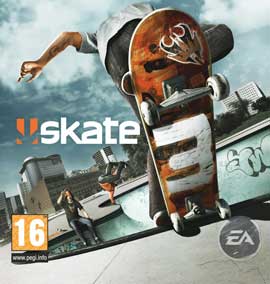
- Cover image source — Original-game cover thumbnail; publisher artwork
Source review: . Project interface and documentation reviewed; full gameplay not completed