The Simpsons: Hit & Run — browser guide
The Simpsons: Hit & Run browser WASM project from the source thread. The linked address includes a skipmovie parameter and opens a dedicated loading screen. Use its current launcher for asset, save and control instructions.
What this project offers
This is a dedicated browser port, not a general Simpsons game collection. The visible source establishes the project title and loading interface; unsupported mode or performance claims are deliberately omitted.
Requirements
- Follow the current project loader.
- Do not close the tab while its resources load.
How to start
- Open the original source URL.
- Wait for the WASM loader and read any current file or launch prompts.
- Use the project’s displayed controls once the game has loaded.
Documented controls
Use the original project’s current control screen. We do not infer keyboard bindings from the retail game.
Project-specific loading notes
- The skipmovie parameter changes the linked launch path; it is not proof that every resource or feature is available.
- The directory has not completed gameplay testing for this port.
Common questions
Why is skipmovie in the URL?
That parameter is part of the source-thread link. It does not establish support for every cutscene or gameplay mode.
Where do I find the current controls?
Use the original host’s loaded game and help interface; we have not invented a binding table for this port.
Sources & image credit
Project credits: cjoseph; browser WASM port
- Original project and current instructions
- Original RadiantOpti source thread
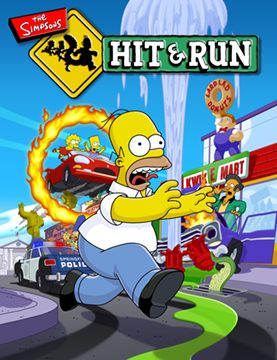
- Cover image source — Original-game cover thumbnail; publisher artwork
Source review: . Project interface and documentation reviewed; full gameplay not completed