CS Surf — browser guide
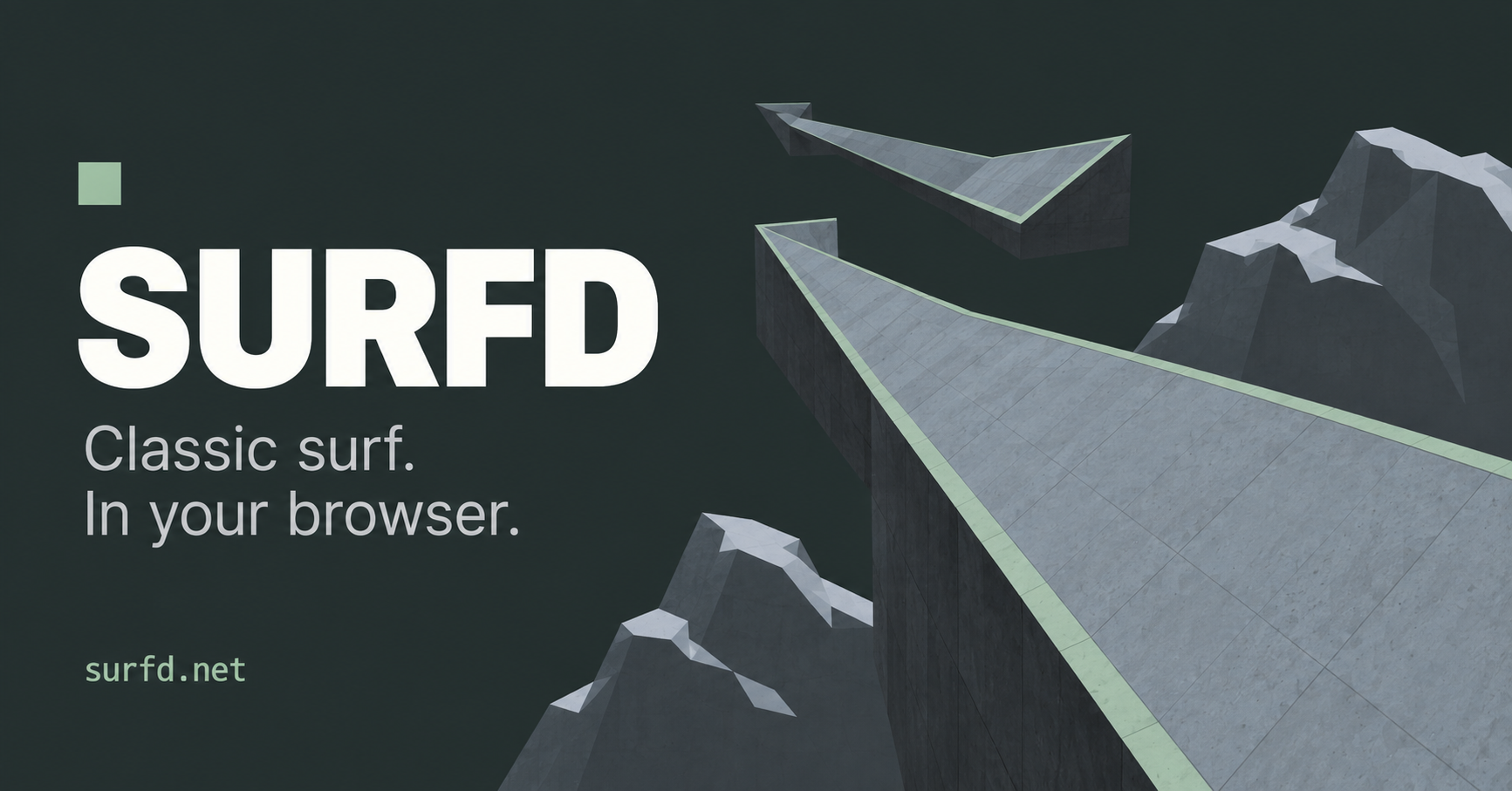
Surfd is a Counter-Strike-style surfing project focused on ramps, route practice and timed runs. Its current page includes a map browser, solo and online options, practice stations, configurable inputs, personal bests and verified leaderboard runs.
What this project offers
Surfing is a movement challenge: release W on a ramp, hold the strafe key toward its face and turn the mouse gently to shape your line. Normal movement and auto bunnyhop are separate from practice or unrestricted-start runs.
Requirements
- A desktop browser, keyboard and mouse.
- Click Play to allow mouse capture.
How to start
- Open Surfd and choose the current map or another course in Change map.
- Read the How to surf controls and press Play.
- Use practice mode to repeat difficult approaches; return to normal rules for leaderboard attempts.
Documented controls
| Action | Input |
|---|---|
| Move / strafe | W / A / S / D |
| Jump | Space or wheel down |
| Duck | Shift |
| Look | Mouse |
| Restart / menu | R / Esc |
Project-specific loading notes
- The source separates practice and unrestricted-start records from leaderboard runs.
- R restarts a run; Escape opens the menu. Closing or clearing browser storage can affect locally stored settings and bests.
Common questions
Is this full Counter-Strike?
No. Surfd is a surfing movement project, not the full competitive shooter.
Why is a practice time not on the leaderboard?
The host excludes practice and unrestricted-start runs from its normal-rule leaderboards.
Sources & image credit
Project credits: 0yield / Surfd
- Original project and current instructions
- Original RadiantOpti source thread
- Cover image source — Project-published image
Source review: . Project interface and documentation reviewed; full gameplay not completed