Documented support is different from a device benchmark
A project saying “mobile” does not prove it runs smoothly on every phone. Browser graphics support, memory, screen layout, network conditions and input devices all matter. This comparison records what the original project pages document; it is not a frame-rate benchmark or a completed gameplay test on a matrix of devices.
The catalog’s device labels follow those source statements. A mobile-oriented project can still need original game files, while a desktop project may rely on mouse capture that has no useful touch equivalent. Check both the device and setup labels before launching.
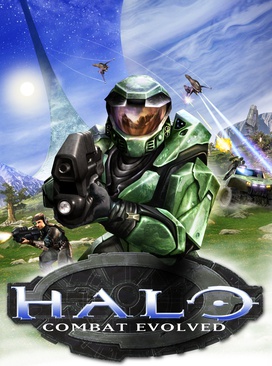
HCEMobile has the most explicit touch setup
HCEMobile documents Modern and Original Xbox touch layouts that can be edited. It also lists Xbox, PlayStation, Switch Pro, MFi and Backbone controller support alongside keyboard and mouse. Its source describes adding the app to an iPhone/iPad or Android home screen and importing an owned Xbox disc image.
The source distinguishes campaign and local modes from online play, which requires an account on that host. It also offers exported saves and restore controls. Those specifics are more informative than simply labeling the project “works on mobile.”
PES 6 has touch and controller options with graphics tradeoffs
The OptiJuegos page describes the PSP edition of PES 6, WebGL2 and keyboard, USB/Bluetooth controller and touch inputs. Menu selection uses arrows or a directional pad, Enter or Cross to accept, and Esc or Circle to cancel. The Controls panel can remap inputs.
For stutter, the maintainer recommends 1x internal resolution, the original 30 FPS setting and fewer background tasks. The 60 FPS setting is described as experimental and heavier. These are troubleshooting options, not a guarantee that an older phone will reach full speed.
The site’s FAQ and recent update notice describe networking differently. Rather than claim that every match uses P2P or that a relay eliminates lag, consult the host’s current online settings.
Quake III advertises mobile and gamepad support
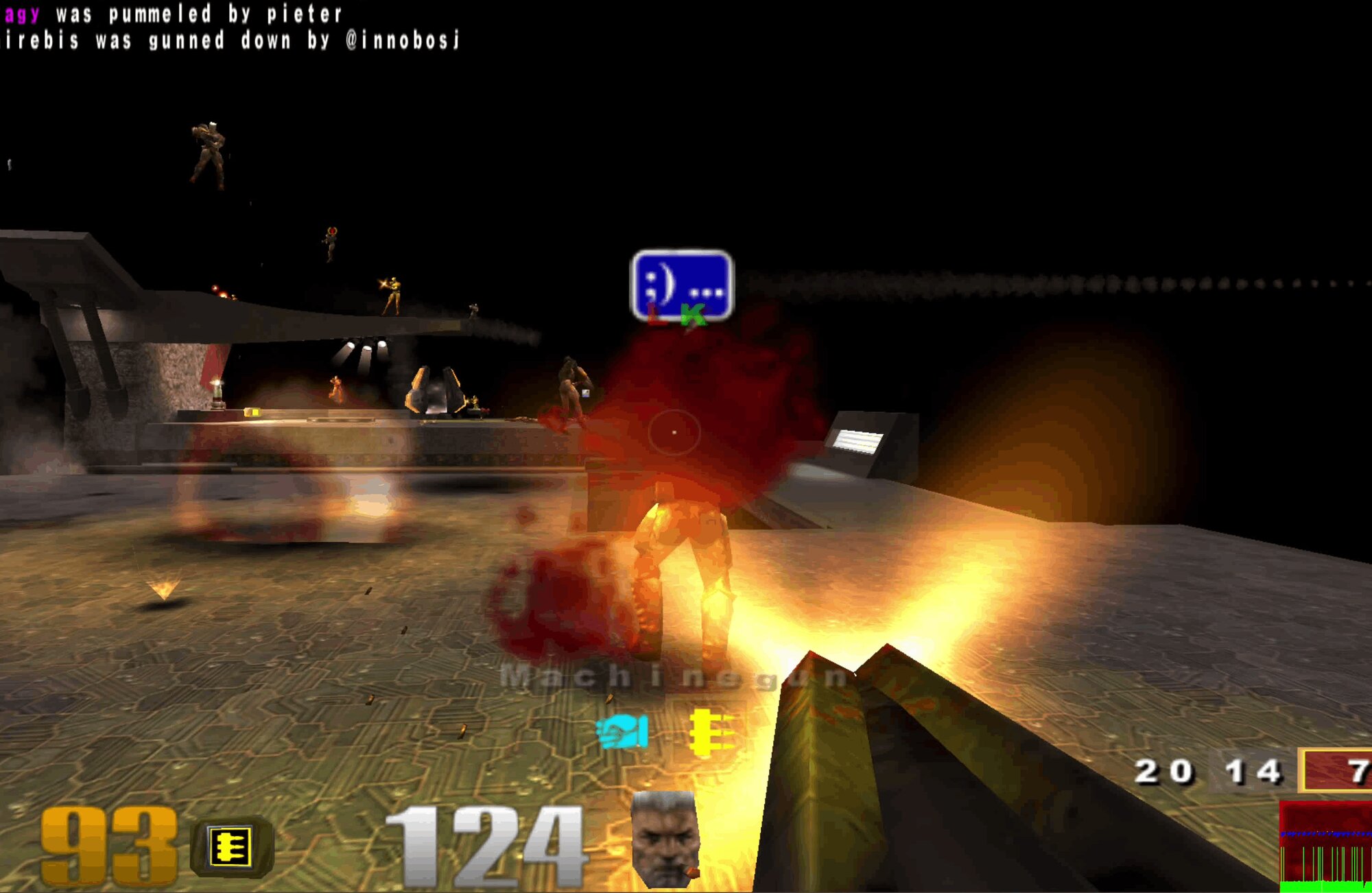
The q3.pieter.com landing page explicitly advertises mobile and gamepad support and credits Q3JS. It also exposes current and next maps and live player information. Those values change with the server, so our guide does not copy a player count as a durable fact.
Use the loaded client’s input settings and test your own controller connection before joining. A support statement on the landing page is evidence of the project’s intent, not proof of comfort on every screen size.
Surfd remains desktop-first
Surfd’s own page specifies desktop, keyboard and mouse. Its movement instructions rely on strafe keys and gently turning the mouse, and Play requests mouse capture. That is why we do not classify it as a verified touch game just because its web page opens on a phone.
If you want ramp practice, use the documented setup: WASD, Space or wheel down to jump, Shift to duck, R to restart and Escape for the menu. Practice and unrestricted-start runs are separated from leaderboard attempts.
How to choose without overpromising
Pick HCEMobile when you need an explicitly editable touch layout and already have the necessary Halo data. Inspect PES 6’s graphics and input settings for a football project. Read Quake III’s current client instructions for its advertised mobile/gamepad path. Use Surfd on the desktop setup the maintainer recommends.
When a device fails, note the project, browser, input method and visible error. Our loading guide helps separate missing files from graphics errors and busy hosts. That distinction is more actionable than a blanket “mobile compatible” claim.