Quake III — browser guide
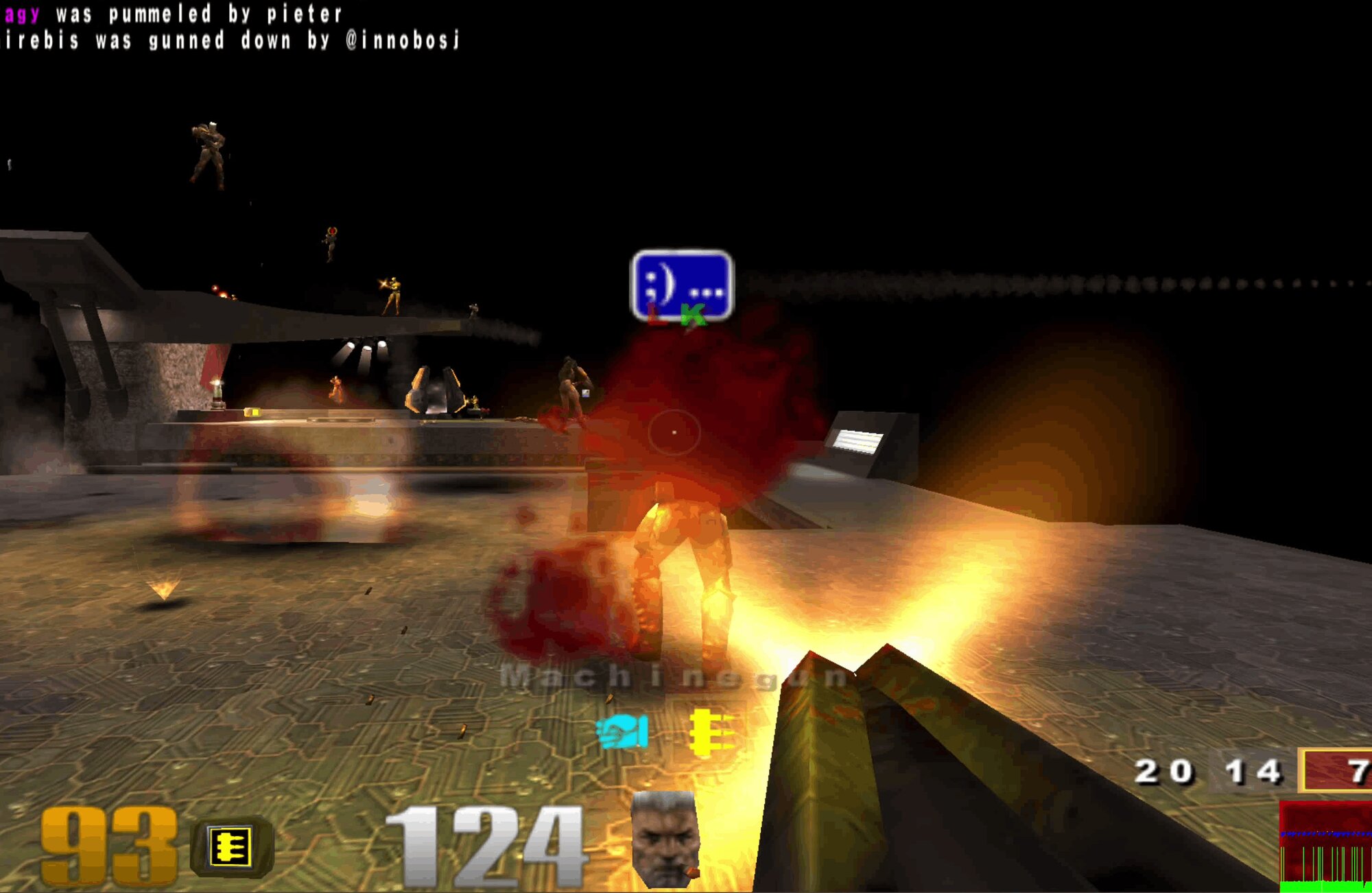
The Quake III browser host is powered by Q3JS. It exposes current and next maps, a Play Now entry and live player information, and advertises mobile and gamepad support on its own landing page.
What this project offers
Quake III is the arena entry in this collection. Map rotation and live participation belong to the original server; the directory avoids storing transient player counts or scores as durable facts.
Requirements
- Use the original host’s Play Now flow.
- The maintainer advertises mobile/gamepad support; device performance still varies.
How to start
- Open q3.pieter.com and inspect the current map preview.
- Use Play Now and follow the client’s player settings.
- Configure input in that client before joining the live arena.
Documented controls
Use the original project’s current control screen. We do not infer keyboard bindings from the retail game.
Project-specific loading notes
- The project credits Q3JS and its maintainer on the landing page.
- A source support claim is not a phone-by-phone compatibility test.
Common questions
Can it be used on mobile?
The current maintainer page advertises mobile and gamepad support. We have not benchmarked individual phones.
Why is there no fixed player count here?
Players and maps change in real time. Check the original server for current information.
Sources & image credit
Project credits: pieter.com; Q3JS by lukathedev
- Original project and current instructions
- Original RadiantOpti source thread
- Cover image source — Project-published image
Source review: . Project interface and documentation reviewed; full gameplay not completed