Diablo Web — browser guide
Diablo Web provides a shareware-demo path and supports an owned DIABDAT.MPQ for the full game. Its project metadata distinguishes those options and credits browser adaptation by Nikita Maksimov.
What this project offers
This entry adapts the original Diablo for a browser. Demo access and full-game assets are different: the project’s current loading screen is the authority for supported files and save handling.
Requirements
- Use the source’s shareware-demo option or your own DIABDAT.MPQ.
- Check the original host’s save and storage instructions.
How to start
- Open Diablo Web and choose the demo or own-file path.
- For the full-game path, supply the DIABDAT.MPQ requested by that project.
- Read its save/export guidance before relying on browser storage for progress.
Documented controls
Use the original project’s current control screen. We do not infer keyboard bindings from the retail game.
Project-specific loading notes
- The demo is source-documented; this directory does not claim the entire catalog is free or asset-free.
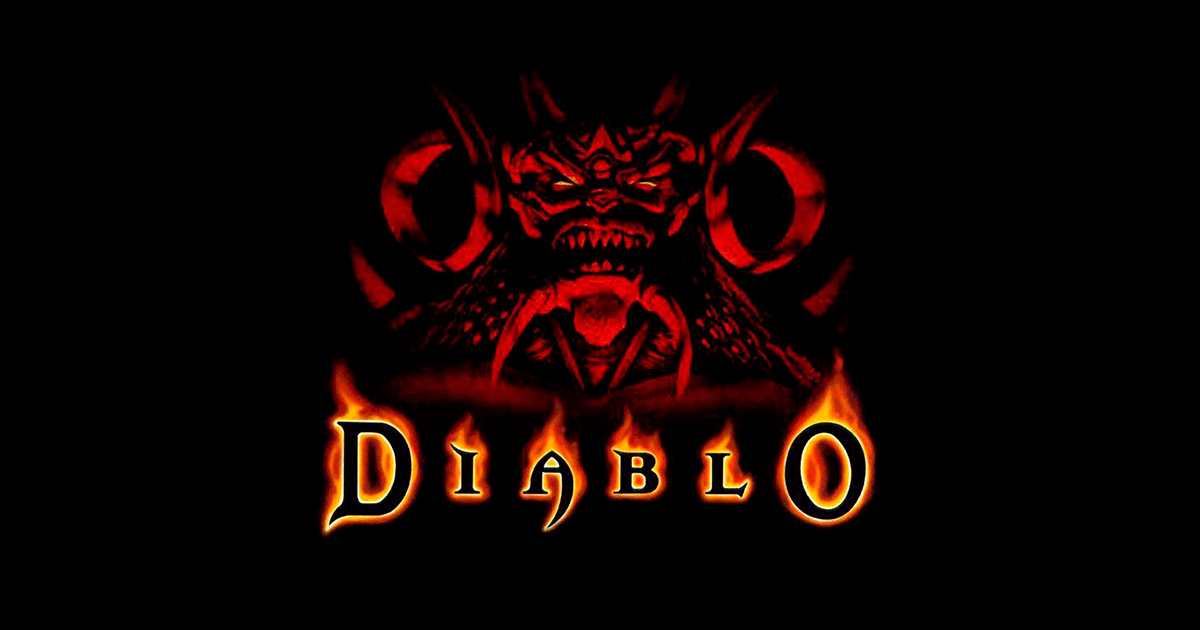
- The cover is the project-published screenshot, not generated art.
Common questions
Can I try a demo without the full-game file?
The source explicitly describes a shareware demo option.
What file does the full-game path require?
The project metadata names DIABDAT.MPQ from your own game copy.
Sources & image credit
Project credits: Nikita Maksimov adaptation; JohnImril hosting
- Original project and current instructions
- Original RadiantOpti source thread
- Cover image source — Project-published image
Source review: . Project interface and documentation reviewed; full gameplay not completed