Return to Castle Wolfenstein — browser guide
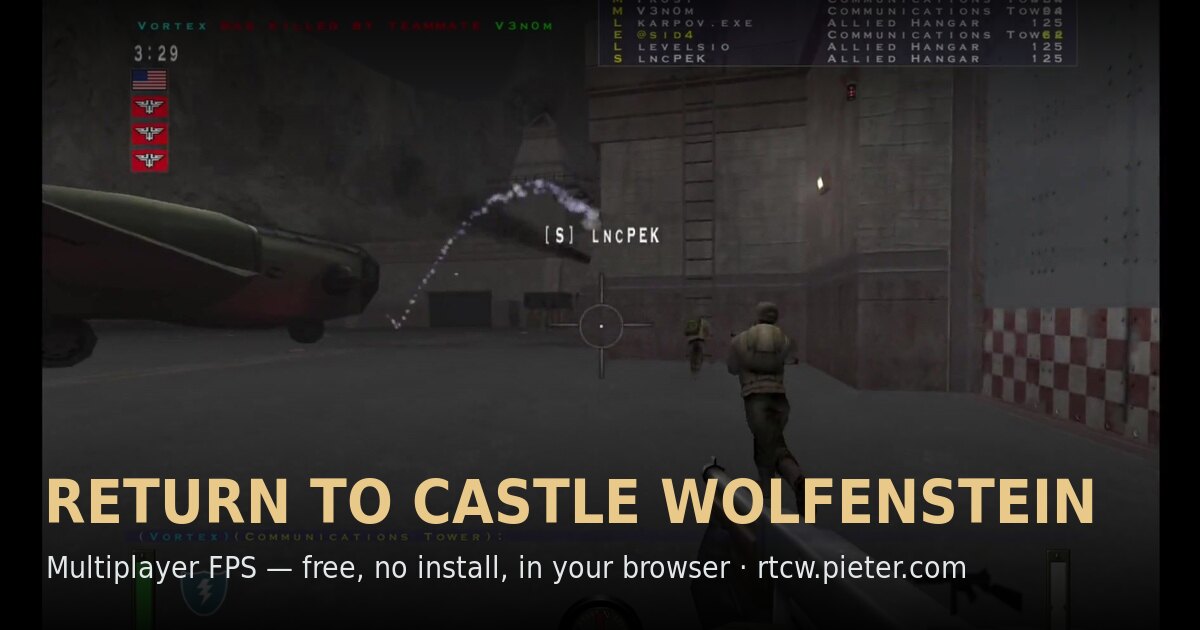
Return to Castle Wolfenstein multiplayer on mp_beach, built from iortcw and Wwasm. The original page explicitly warns that the first load downloads about 380 MB of game data and recommends desktop Chrome.
What this project offers
This is the mp_beach multiplayer preservation project. It does not claim every retail campaign chapter; its engine credits and large initial resource load distinguish it from the Quake entries.
Requirements
- Desktop Chrome is recommended by the maintainer.
- Allow for the source’s approximately 380 MB first load and caching.
How to start
- Open the original RTCW host and read the first-load warning.
- Use Play, keep the tab open and allow its resources to load.
- Follow the multiplayer client instructions for the mp_beach server.
Documented controls
Use the original project’s current control screen. We do not infer keyboard bindings from the retail game.
Project-specific loading notes
- The 380 MB figure is the current source’s approximate first-load estimate, not a measurement from this directory.
- Browser caching can reduce later loads; clearing site storage may trigger another download.
Common questions
Why is the first launch slow?
The source warns of about 380 MB of game data on first load, cached afterwards.
Is this the full campaign?
The host advertises mp_beach multiplayer. We do not infer a complete campaign from its title.
Sources & image credit
Project credits: pieter.com; iortcw + Wwasm
- Original project and current instructions
- Original RadiantOpti source thread
- Cover image source — Project-published image
Source review: . Project interface and documentation reviewed; full gameplay not completed